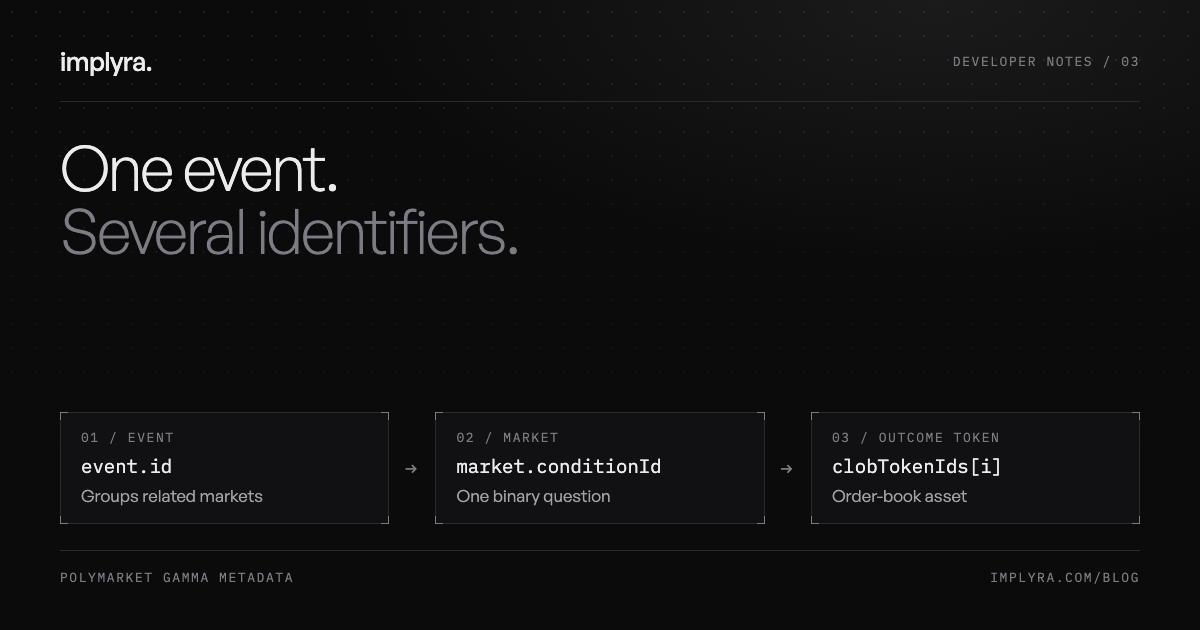
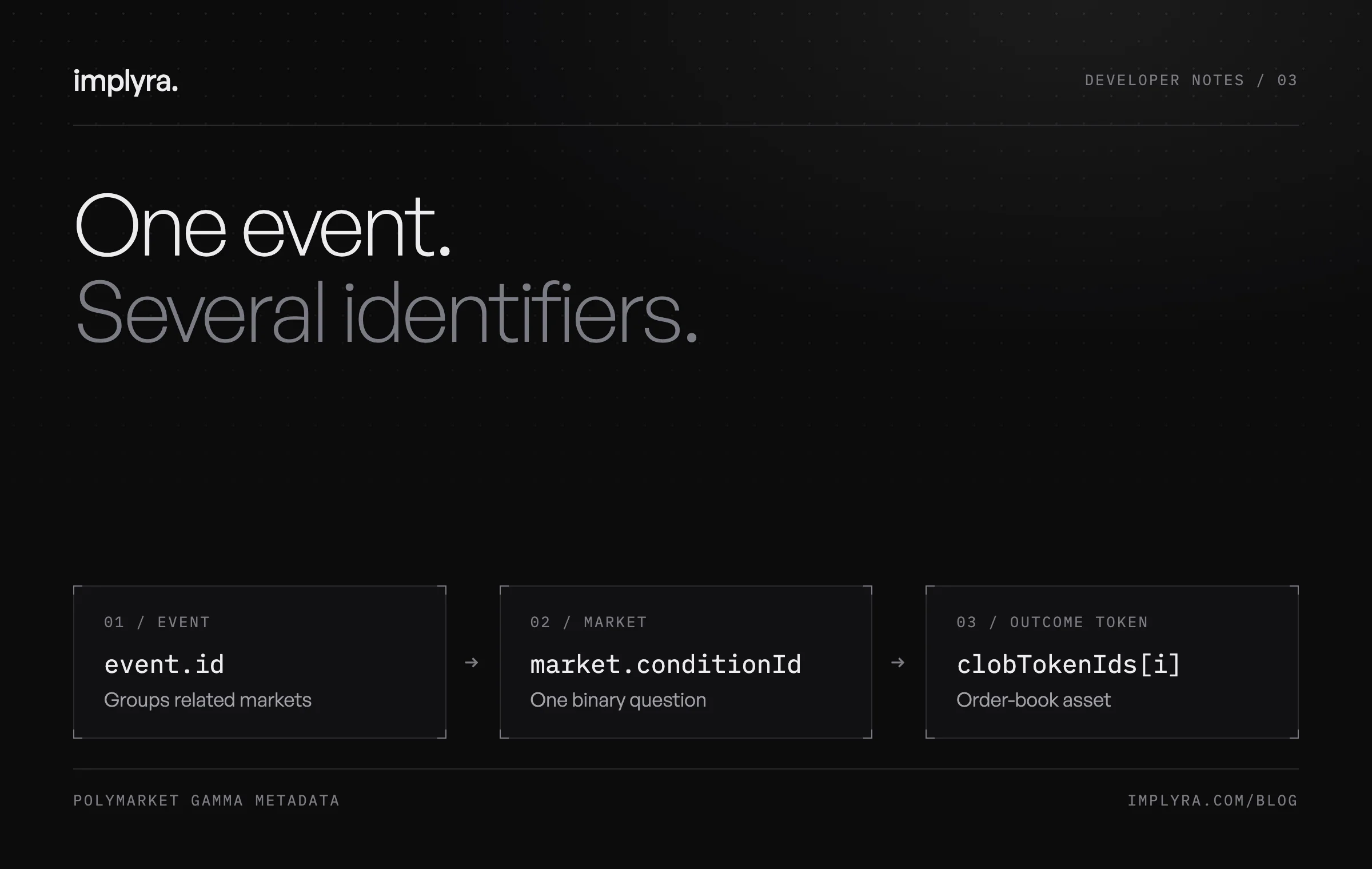
One event. Several identifiers.
Map a Polymarket event to its markets and outcome tokens with one public request. Keep the identifiers separate before adding prices, positions or order books.
A prediction-market page looks like one object: a question, a percentage and a chart. An integration has to distinguish several objects behind it. Reusing whichever identifier is closest can attach a price to the wrong outcome or send a valid-looking request to the wrong resource.
This guide follows Polymarket’s public metadata from an event to a market and then to an outcome token. The example makes one read-only request, needs no account and places no orders. It is a small identity check you can run before building a chart, portfolio view or ingestion job.
Start with the hierarchy
An event groups one or more related markets. Each binary market asks a question with two outcomes. An election event, for example, can contain a separate market for each candidate; selecting the event alone does not identify the candidate or the side you want to inspect.
Polymarket also exposes a condition identifier for the market’s conditional-token structure, plus a token identifier for each outcome. The practical discovery path is event, market, outcome, token. Gamma supplies the metadata used to make those choices; outcome tokens identify the assets used for order-book queries.
Name your keys after what they identify
Avoid a single field named polymarketId throughout your application. That name hides the distinction at precisely the point where a developer needs it. Keep an explicit mapping like this next to your adapter, then use equally specific names in request builders and database columns.
Treat these identifiers as strings. In particular, the long decimal token identifiers exceed JavaScript’s safe integer range. Converting one to Number can silently alter it. A rounded identifier remains a string-shaped value after serialization, which makes this failure surprisingly hard to spot in logs.
| Field | Identifies | Use it for |
|---|---|---|
| event.id | Gamma event | Grouping related markets |
| event.slug | Readable event reference | Event lookup and navigation |
| market.id | Gamma market record | Market metadata lookup |
| market.conditionId | Market condition | Linking condition-based records |
| market.clobTokenIds[i] | Outcome token | Order-book asset queries |
| market.outcomes[i] | Outcome label | Explaining which side the token represents |
Resolve the mapping with one request
Save this as identifiers.mjs and run node identifiers.mjs with Node.js 20 or later. It requests at most one event and inspects one market. Gamma represents the outcome and token arrays as JSON-encoded strings in these fields, so the helper decodes them and rejects unexpected shapes.
The timeout bounds the request. The length check prevents a missing token from shifting a label onto the wrong asset. For a larger integration, validate the whole response against your schema and record failures explicitly; silently dropping a malformed market makes coverage harder to audit.
const url = new URL("https://gamma-api.polymarket.com/events");
url.search = new URLSearchParams({
  active: "true", closed: "false", limit: "1",
}).toString();
const response = await fetch(url, {
  signal: AbortSignal.timeout(10_000),
});
if (!response.ok) throw new Error(`Gamma HTTP ${response.status}`);
const events = await response.json();
const event = events[0];
if (!event || !Array.isArray(event.markets)) {
  throw new Error("No event markets returned");
}
function strings(value) {
  const parsed = typeof value === "string" ? JSON.parse(value) : value;
  if (!Array.isArray(parsed) || !parsed.every(x => typeof x === "string")) {
    throw new Error("Expected string array");
  }
  return parsed;
}
const market = event.markets.find(m => m.clobTokenIds && m.outcomes);
if (!market) throw new Error("No token-backed market returned");
const labels = strings(market.outcomes);
const tokens = strings(market.clobTokenIds);
if (!labels.length || labels.length !== tokens.length) {
  throw new Error("Mismatched outcome/token counts");
}
console.log({
  eventId: event.id, marketId: market.id,
  conditionId: market.conditionId,
  outcomes: labels.map((label, i) => ({ label, tokenId: tokens[i] })),
});Check identity before adding a price
In our verification, event 16183 contained market 516950. Both had the slug kraken-ipo-in-2025. That is a useful counterexample: matching readable names did not make the event and market IDs interchangeable. The response supplied separate Yes and No token identifiers, which the recipe kept intact.
For a subsequent public order-book request, CLOB’s /book endpoint takes token_id. Pass the selected outcome token, not the Gamma market ID or the condition ID. Its response includes asset_id and market, meaning the token and condition respectively. Checking both against your mapping gives the adapter a useful consistency check.
Do not infer an executable market from metadata presence or a successful discovery request. This example does not request an order book, check current liquidity or establish that orders are accepted. Those are separate checks for a feature that needs them.
Keep enough context to debug the next join
For storage, a useful starting point is a venue namespace, the resource type and its original identifier. Keep the event-to-market relationship alongside the market-to-outcome mapping. Save the source response and observation time when practical, so an unexpected chart can be traced back to the metadata that produced it.
For the interface, retain readable labels and slugs separately. A label helps a person understand a row; an opaque identifier helps the program address a resource. Giving each a clear job makes later filtering, deduplication and reconciliation easier to reason about.
A useful adapter test is to rename a display label while keeping the identifiers unchanged. The underlying relationship should still resolve. Another is to supply two similarly named markets under one event and confirm that selecting one never retrieves the other’s outcome tokens.
Sources & further reading
Explore Implyra’s API contract, request examples and current integration notes.
Read the developer documentation